Free for iPhone and Android
One free app. Every personal app you need.
Describe a gym log, paycheck budget, habit grid, or private journal and Venus builds a real native app on your phone in about a minute. Completely offline. No subscriptions, no ads, no cloud tracking.
- Free to download
- iPhone & Android
- Works in airplane mode
- App data stays on your phone
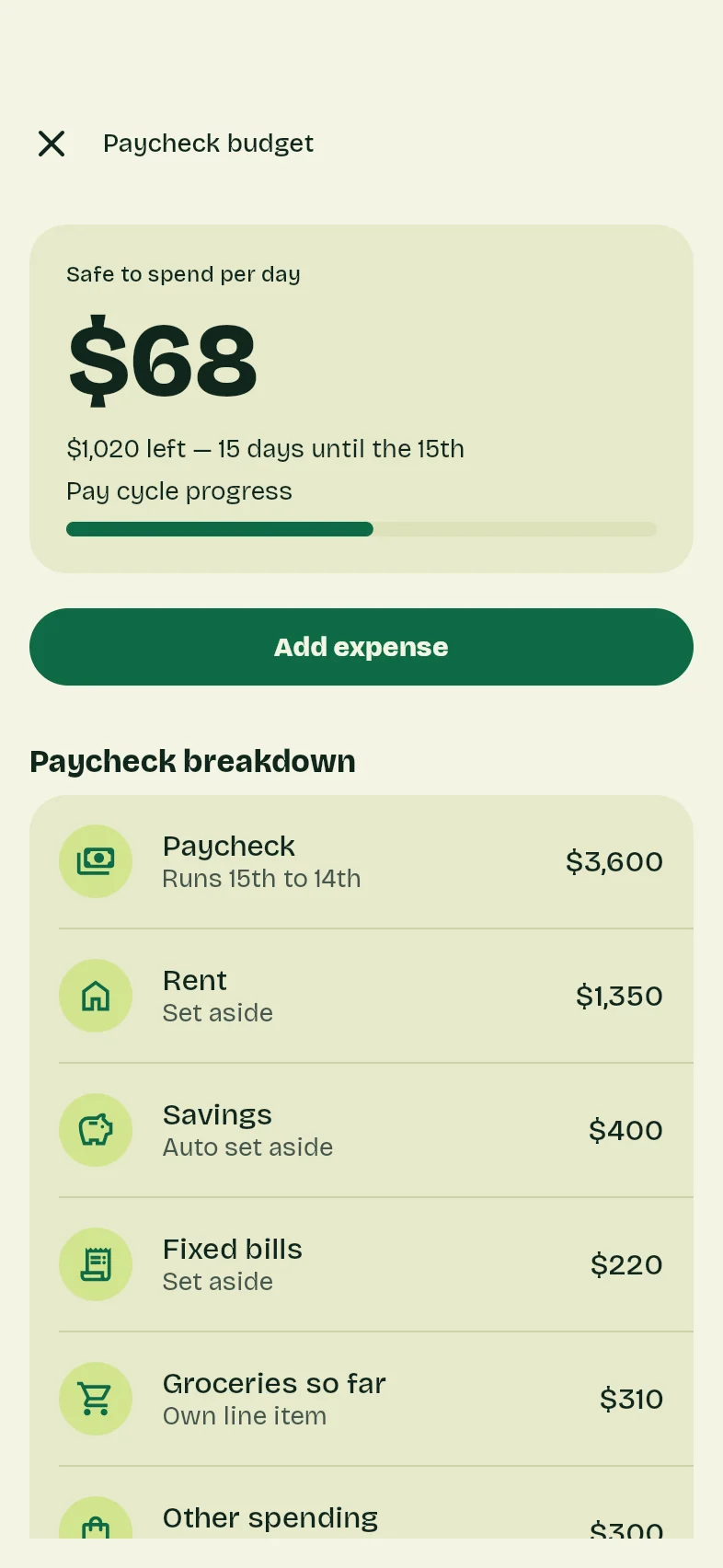
Running inside Venus. Tap around, or switch apps above.
Replaces $15/mo budget apps
No app store app knows your month starts on the 15th. Yours will.
The words that made Paycheck budget
I get paid $3,600 on the 15th, so my budget runs 15th to 14th, not the 1st. Set aside $1,350 for rent, $400 for savings, and $220 for fixed bills right away. Keep groceries on their own line so I spot spikes early, and show me one big number for what is safe to spend per day until the next paycheck.
Swap in your own numbers, names, and rules.
Why Venus exists
The App Store wasn't built for small personal apps.
Simple tools for your daily life shouldn't cost a monthly subscription, demand your data, or force you into someone else's workflow.
Typical App Store trackers
- $5–$15 a month per app for a simple tracker or log
- Banner ads, nag screens, and paywalls blocking basic features
- Built for millions of strangers—cluttered with tabs you never use
- Accounts that sync and monetize your health, finances, and private notes
Inside Venus
- Free to use, with no subscriptions, no ads, and no item limits
- No credit card—just a quick free sign-in to keep bots out
- Built around your exact rules, units, and layout—change it anytime
- 100% offline on your phone—your app data never touches our servers
How it works
One app on your phone holds all your personal apps. You can also build in your browser and scan a code onto your phone.
1. Install Venus.
Download Venus free on iPhone or Android and sign in with a free account. No credit card—signing in just keeps bots out so building stays free. Every personal app you make lives neatly inside Venus.
2. Say what you need.
Describe what you are tracking and your exact rules, or start from any app in our showcase. Venus asks a couple of quick tap-to-answer questions and builds a real native app in about a minute.
3. Use it offline.
Your app runs directly on your phone, even in airplane mode. Want a new tab, chart, or rule later? Just ask—your existing records stay put.
What people replace with Venus
Replace half a dozen apps with one.
Open any app below to try it live, add it to Venus as-is, or tailor it to your own routine.
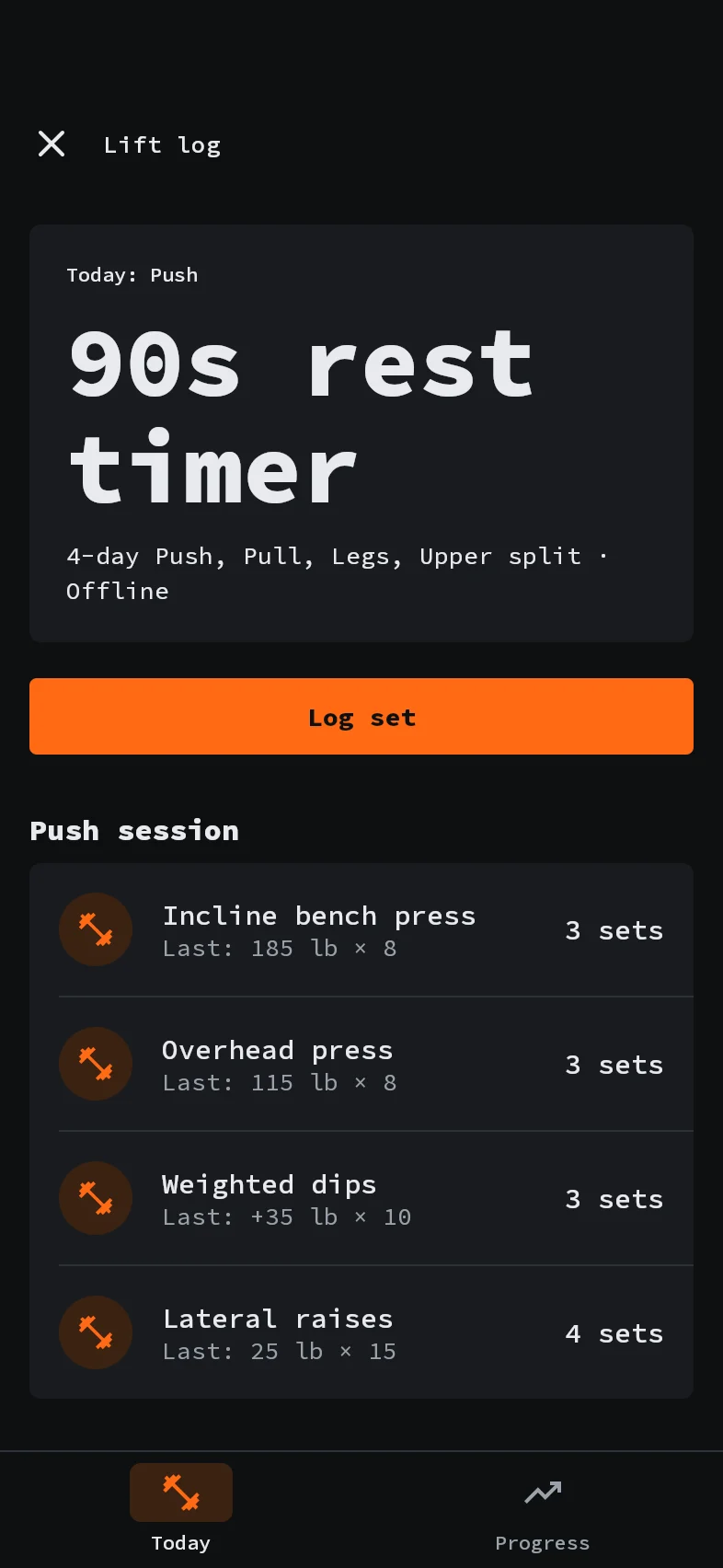
- Replaces $15/mo gym trackersNo app store app knowsyour 4-day Push, Pull, Legs split.Lift log
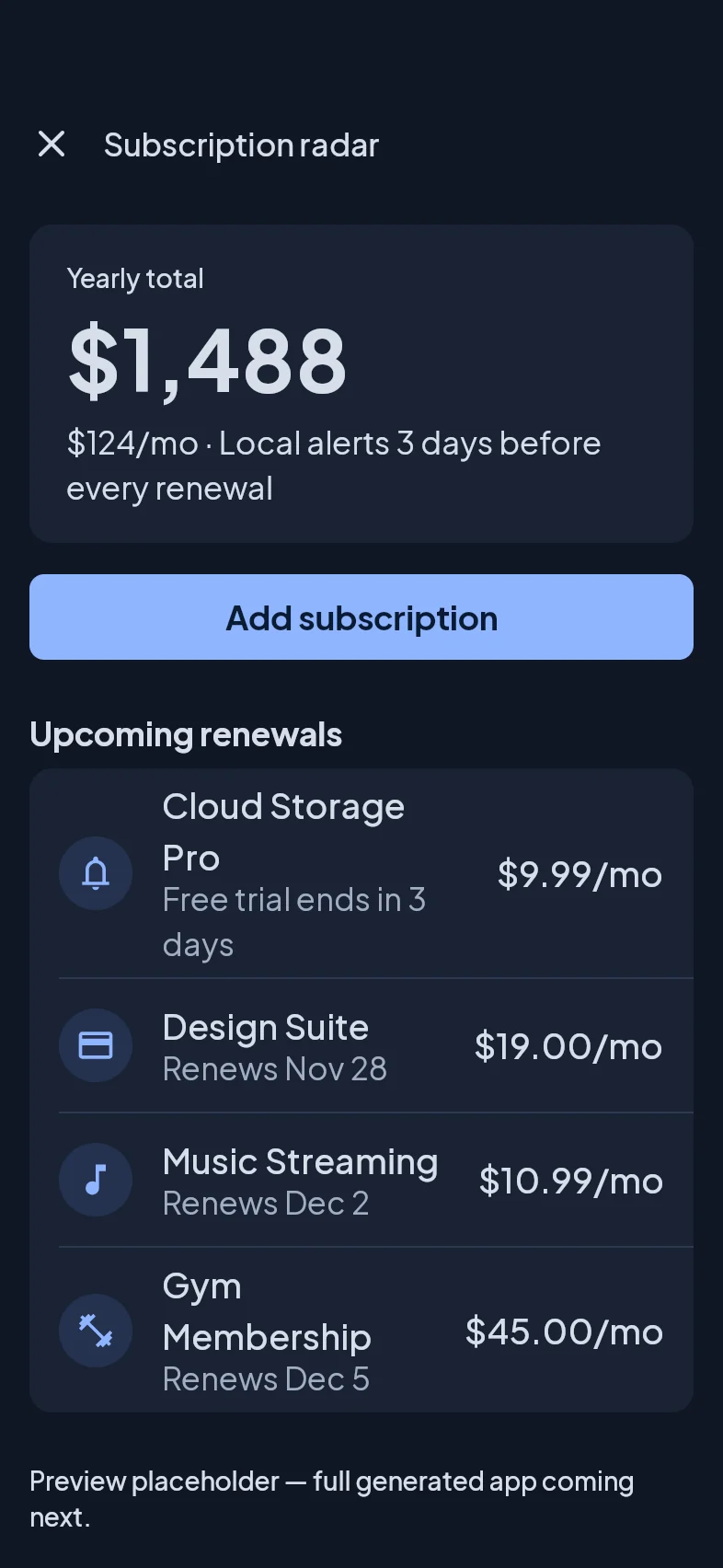
- Replaces bank-linked trackersSubscription radarYour real yearly burn rate, with alerts before renewals hit.
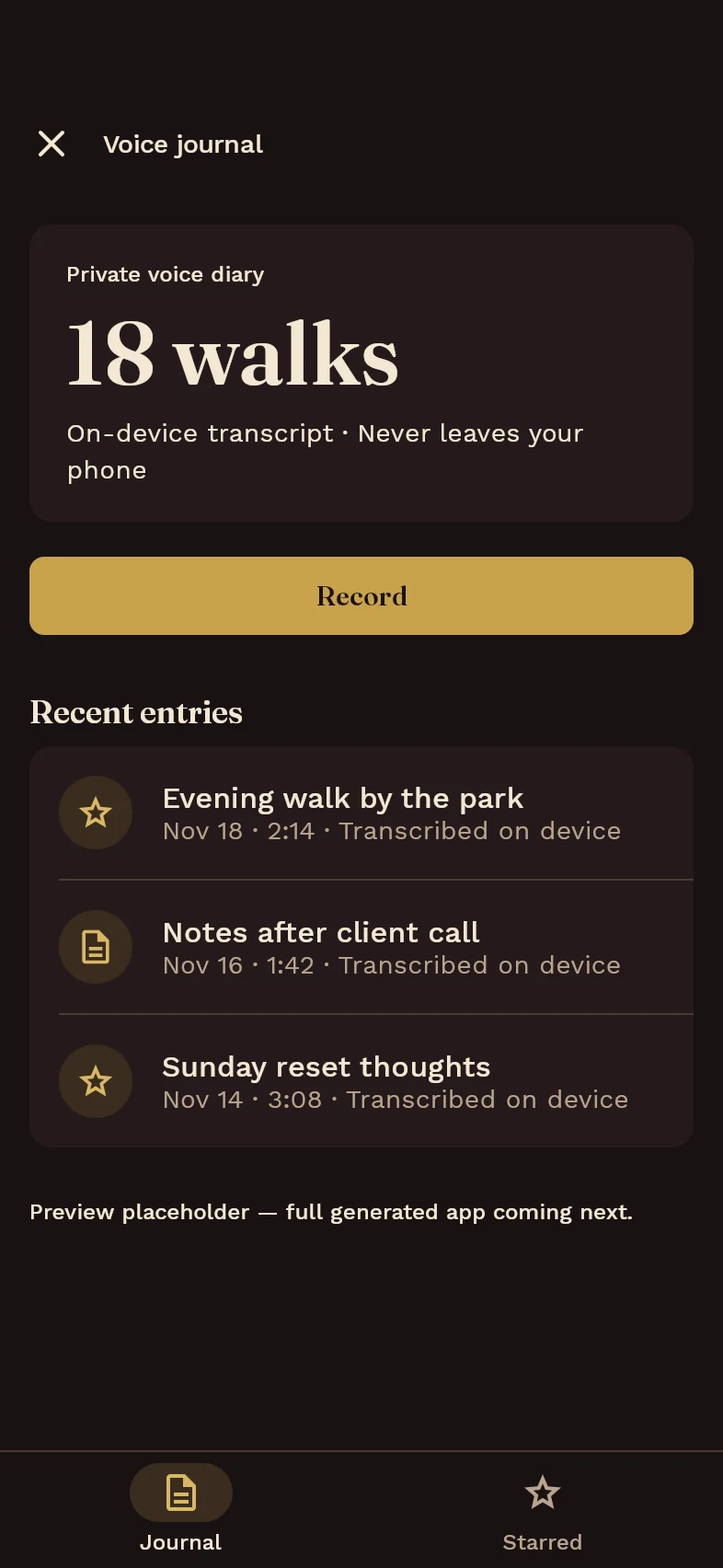
- Replaces $10/mo journal appsVoice journalTalk on your walk—transcribed on your phone, locked behind Face ID.
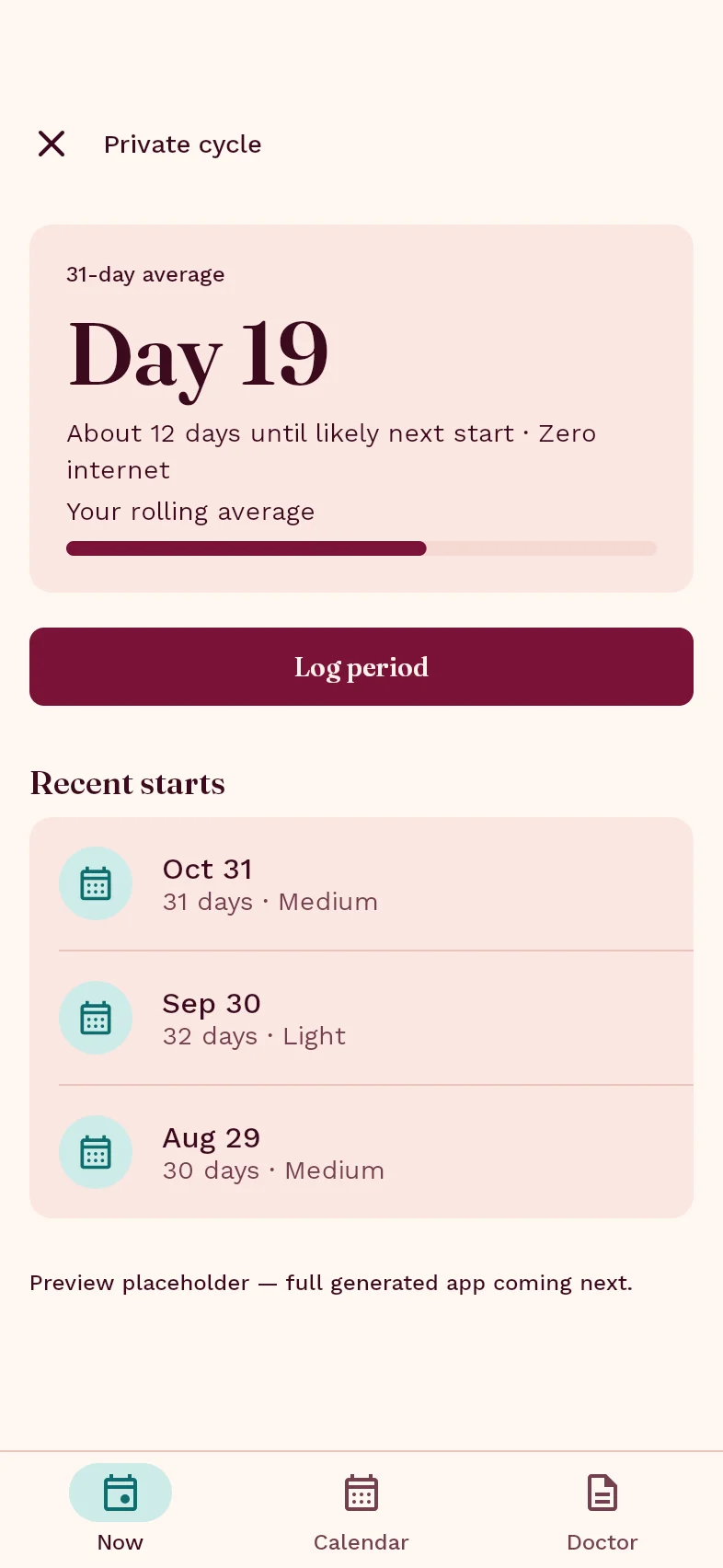
- 100% offline period trackerPrivate cycleYour own cycle average and doctor summary—zero internet, ever.
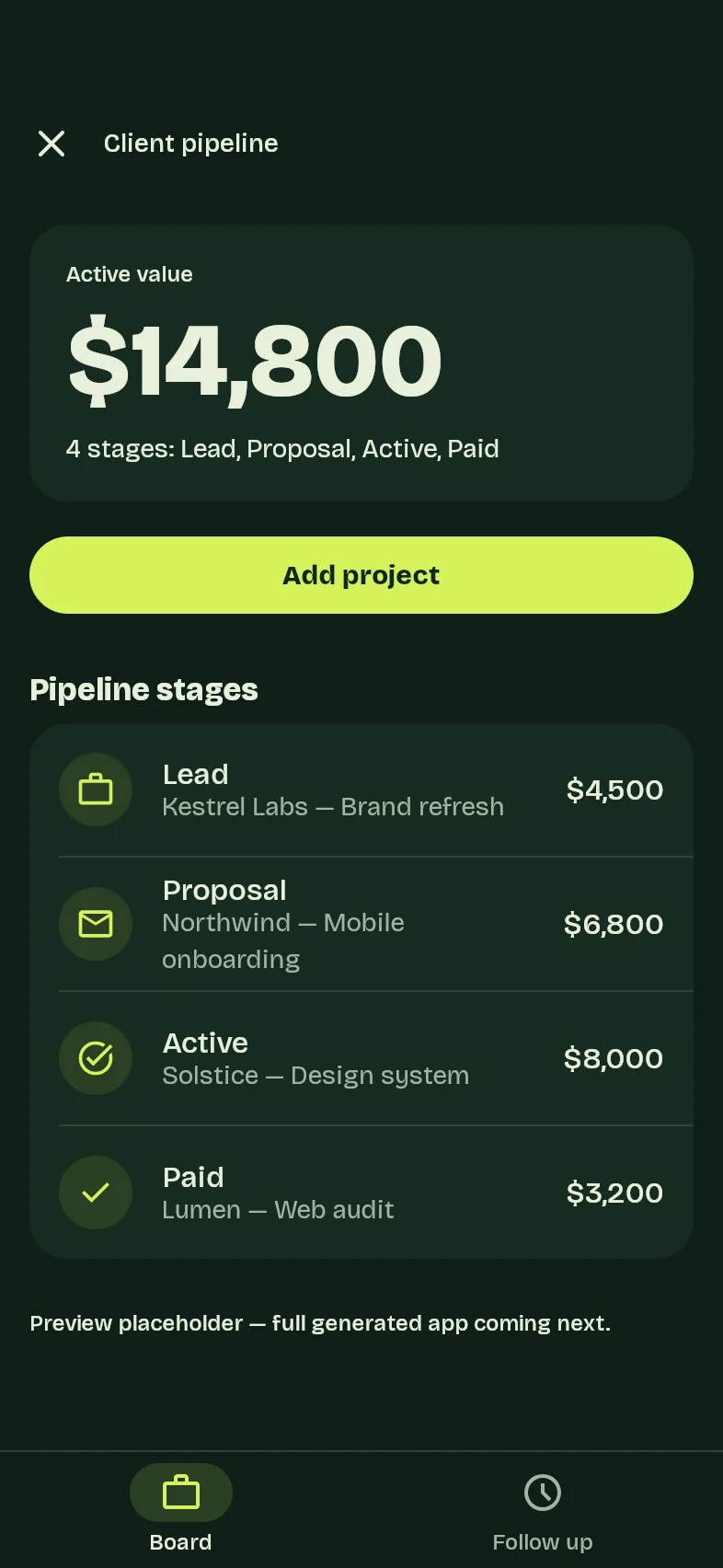
- Replaces bloated CRM & Notion boardsClient pipelineProposals, active work, unpaid invoices, and who went quiet.
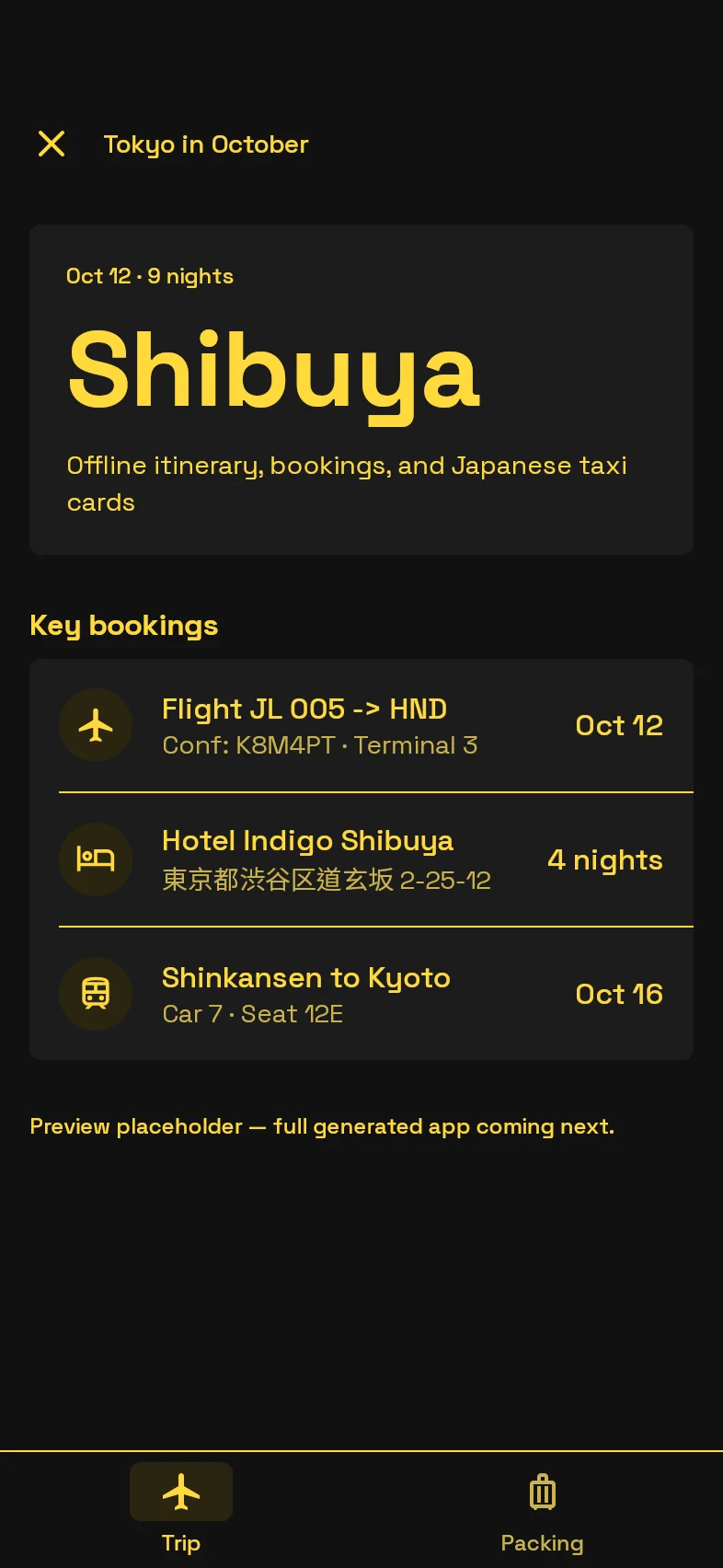
- Works in airplane modeNo app store app knowsthe taxi driver needs the address in Japanese.Tokyo in October
What Venus apps can do
Real native apps, not toy web pages.
Rich native views & math
Calendars, Kanban boards, habit grids, spaced-repetition flashcards, rest timers, bar and line charts, swipe-to-delete with undo, and automatic totals.
Your phone's hardware
Camera and photo library for receipts and albums, voice recording with on-device transcription, local reminders when the app is closed, and your phone's share sheet.
Private, lockable & yours
Lock any app individually with Face ID or fingerprint, pick from eight light and dark themes, carry records in phone backups, or export to CSV anytime.
What Venus won't build
No social networks, cloud chat, live stock tickers, weather feeds, or payment apps. Venus apps cannot connect to the internet—which is the exact reason they stay fast, free, and genuinely private.
Privacy, accounts, and how Venus stays free
Account to build. Offline to use.
We ask you to sign in with a free account so bots cannot abuse the free builder. Once an app is on your phone, it has zero internet access—nothing you log inside your apps is ever synced to your account or sent to our servers.
Read how privacy worksFree without a catch.
Because your apps run on your phone instead of our servers, using them costs us nothing—so there are no subscriptions, no ads, and no item caps. Building new apps has a fair daily limit, or you can connect your own AI anytime.
Bring your own AI
Common questions
Straight answers.
Where do I download Venus?
Venus is a free app for iPhone and Android. Install it once, and every personal app you build lives inside it. Go to the download page.
Do my apps install separately from the App Store?
No. You install Venus once. Every app you create—your gym log, budget, habit grid, or private journal—opens inside Venus with its own icon, theme, local data, and optional biometric lock.
Why do I need an account—and is my app data tied to it?
You sign in with a free account so bots cannot abuse the free builder. Your account is strictly for creating apps: the apps running on your phone have zero internet access, so nothing you log inside them is ever synced to your account or sent to our servers.
Is it really free? What is the catch?
There is no subscription, no ads, and no paywall inside your apps. Because your apps run on your phone instead of our servers, using them costs us nothing. Building an app costs us a few cents, so each account has a fair daily build limit—and if you want more, you can connect your own AI model. Bring your own AI.
What can't Venus build?
Anything that needs live internet access or other people—social networks, cloud chat, live stock prices, weather feeds, or taking payments. Your apps cannot go online, which is the exact reason they stay fast, free, and genuinely private.
Can I build Venus apps with Claude or ChatGPT?
Yes. If you already pay for Claude, ChatGPT, Gemini, or Claude Code, you can teach it the Venus format, verify the app here, and scan it straight onto your phone. Bring your own AI.
Get Venus on your phone.
Free for iPhone and Android. No subscriptions, no ads, no credit card.
Want to test it first? Describe an app right here.